Is there a GUI for Grok Build?
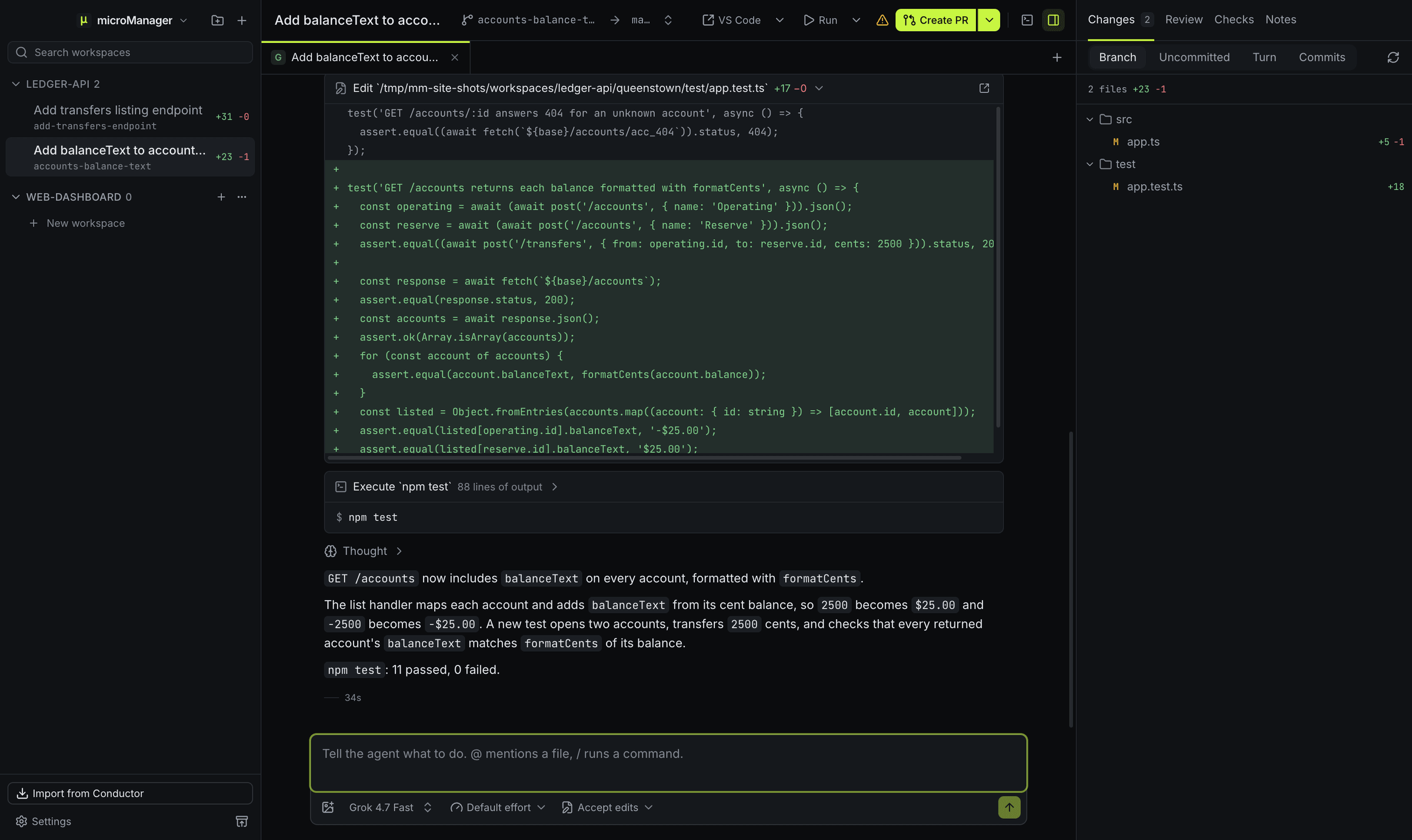
Grok Build is a command-line agent. microManager gives it a desktop window: each Grok session is a chat with streamed replies, tool calls shown as cards, file edits as diffs, permission requests as buttons and its plan as a to-do list, and several sessions can run at once in separate worktrees. Because it speaks ACP, the protocol Grok Build supports for hosting apps, there is no wrapper script or shim to maintain.
How does microManager run Grok Build?
The built-in profile, named Grok, runs:
grok agent stdioand talks to it over the Agent Client Protocol on standard input and output. It uses the grok you installed and signed in to; if it is not on your login shell’s PATH, set its absolute path in Settings → Agents.
What works with Grok Build?
Everything ACP offers: streamed replies and thinking, tool calls shown as cards, its plan as a to-do list while it works, permission requests whenever Grok asks (its own permission setting decides whether it does), model choice when Grok offers several, and its slash commands. Grok also gets microManager’s MCP tools, and every workspace feature applies: worktrees, checkpoints, diff review and pull requests.
What happens to Grok chats when I import from Conductor?
ACP chats that Conductor ran with a Grok model become chats on the Grok profile, in the same workspace. If Conductor was set up to reach Grok through a separate harness program, microManager does not carry that path over, because it runs grok agent stdio itself; it turns the Grok profile on instead.
What do I need?
Grok Build installed and signed in, so that grok works in your terminal.